Free interactive whiteboard games and resources for primary schools
SlimmeKids School brings together short, well-designed activities for the interactive whiteboard, tablets and computers: mental maths, telling the time, letters, geography and maths for the upper years. Pick the level that suits your class and start straight away, with nothing to install and no adverts.
SlimmeKids is a partner of KlasCement, the Flemish education platform in Belgium.
Why teachers use SlimmeKids School
Free for schools
Every app and lesson board is free for schools. Register your school once and all your colleagues can get started.
Built for the whiteboard
Big buttons, clear colours and finger-friendly controls. Works just as well on tablets and computers, right in the browser.
Safe and privacy-friendly
No adverts and no trackers for children. In class the teacher starts everything with the school account, and we only store the bare minimum about pupils.
In four languages
The apps work in English, Dutch, French and German — handy for international schools, language lessons and newcomers.
The apps: maths, literacy and more
Each app is short and focused: one skill, instant practice, immediate feedback. Ideal as a lesson starter, for revision or for a whole-class moment at the board.
Maths for the upper years
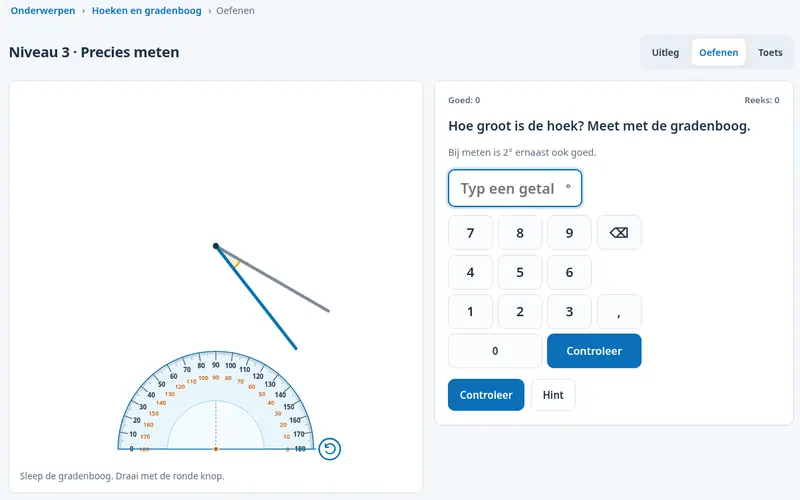
Maths on the interactive whiteboard for ages 9 to 12: geometry, measuring angles with a protractor, maps and scale, charts, fractions, percentages and algebra. For constructions, pupils really draw with a ruler, set square and compasses. Every topic has an explanation, practice and a test, with instant feedback.
Ages 9–12 · upper primary
Balloon Maths
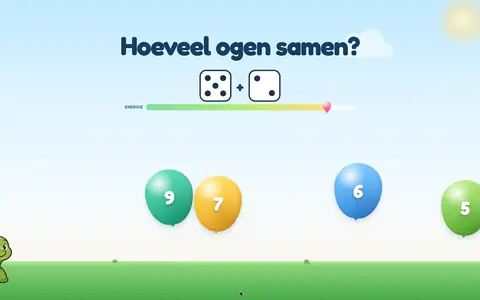
Mental maths on the board: from adding and subtracting within 5 to times tables, division, fractions and percentages. Children tap the balloon with the right answer, at the level you choose.
Ages 4–12
Telling the Time
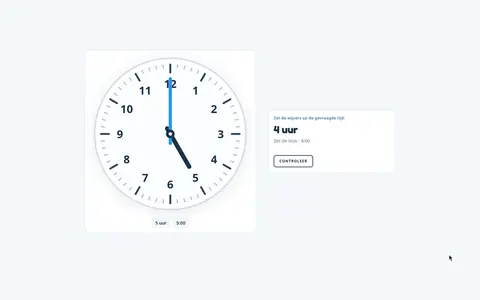
Learn to tell the time on the whiteboard: drag the clock hands with a finger and practise o'clock, half past, quarter past and to, and five-minute steps. Set the clock or read it.
Ages 5–9
Letters
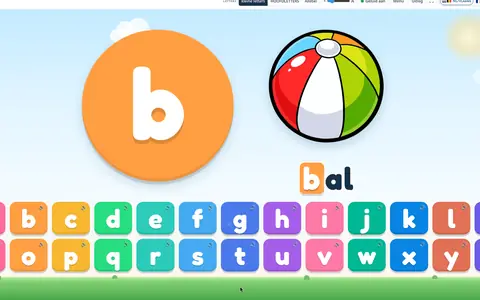
Getting to know the alphabet: children tap a letter, hear its name and see a picture of a word that starts with it. Use lowercase, capitals or both, and in Make Words children build their own words from letter blocks.
Ages 5–7
Balloon Spelling
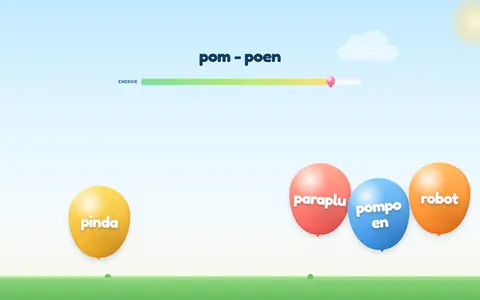
Dutch sounds and spelling: first letters and rhymes, sound groups, plurals, diminutives and verb forms. Great for Dutch lessons and bilingual classes; the content is intentionally in Dutch.
Dutch lessons · all levels
Atlas Agent
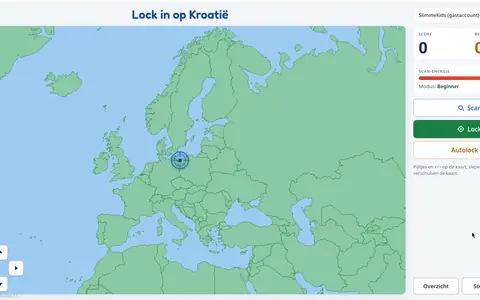
Geography as a secret agent: children find countries, cities and the provinces of Belgium and the Netherlands on the map and secure them with Scan and Lock. Builds map skills and place knowledge.
Ages 8–12
Drawing
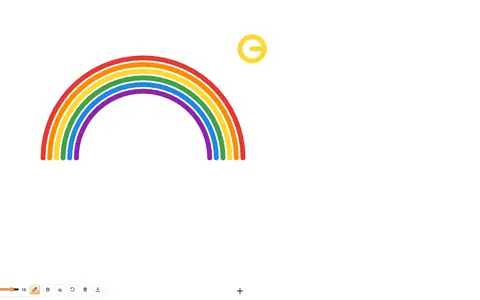
Free drawing with a finger, stylus or mouse, with colours, line thickness, fill bucket and eraser. Great for fine motor skills; drawings can be saved as an image.
All ages
Colour Chain
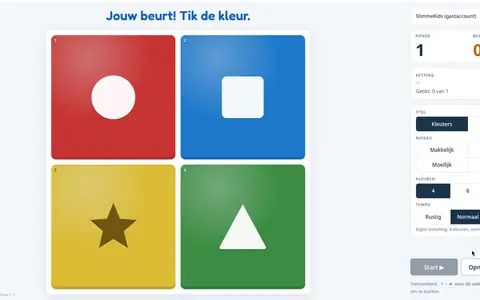
A colour memory game: tiles light up in a sequence that grows every round, and children tap it back. With 4 or 6 colours and three speeds. Trains working memory and concentration.
All ages
Enchanted Forest
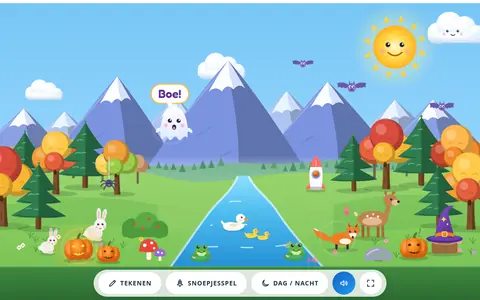
A magical forest for the whiteboard: tap and everything comes to life. Build your own forest, choose the weather and play memory, alone or in teams.
Early years · ages 4–6
For teachers
Lesson Boards
Prepare your own Canva boards and show them full screen on the whiteboard with a single tap, sorted by class. Colleagues at your school can use them too.
Teachers only
Class Rewards
A star chart for the whole class on the whiteboard: hand out stars and work together towards a class goal with a reward you choose. No leaderboards.
Teachers only
Notice board: share ideas with other schools
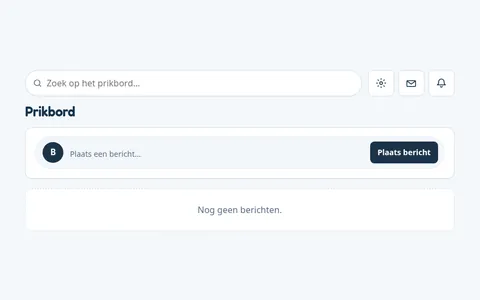
The notice board is the shared meeting place of SlimmeKids School. Schools post short news, teaching tips and ideas, and show what is happening in their classrooms. Posts appear under the school's name and logo, never under the name of a teacher or child.
Post a message, add a photo if you like, and mention other schools
Comment on posts, give a "Like" and report inappropriate content in one click
Search the board and get notified when your school is mentioned
Pupils can read or post if the school switches it on; their posts only appear once a teacher has approved them
Inbox, partner schools, home practice and profile
Inbox
Send messages to partner schools or to the SlimmeKids team, and reply or forward them. Only school names are shown.
Partner schools
Find schools you know and add them as partner schools, so you stay in touch and your pupils can follow each other's posts.
Practise at home
Add pupil accounts and children can practise at home with the apps you switch on for each of them. No passwords needed.
Profile
Manage your school's details and logo, see your school records from the games and manage pupil access.
How it works for teachers
1
Register your school
Enter your school's details and confirm your email address. It's free and takes a few minutes.
2
Log in
Log in with your school account on the whiteboard or your laptop. Want pupils to practise at home too? Add pupil accounts from your Profile.
3
Choose an app and a level
Open an app, select your year group and play as a class, or let pupils practise on tablets.
4
Lesson Boards and Inbox
Lesson Boards puts your own Canva slides on the whiteboard. Your Inbox lets you exchange messages with partner schools and the SlimmeKids team.
Frequently asked questions
Is SlimmeKids School really free?
Yes. SlimmeKids School is free for schools. There is no subscription and no advertising is shown to children.
Which ages is it for?
From early years to the end of primary school (ages 4 to 12). Each app shows its age range, and for maths you choose the level yourself.
Will it work on my interactive whiteboard?
SlimmeKids School runs in the browser. All you need is an interactive whiteboard, touchscreen, tablet or computer with a modern browser and an internet connection. Nothing to install.
Do pupils need an account?
Not in class: the teacher logs in with the school account and starts the apps on the whiteboard. If you want children to practise at home as well, you can add pupil accounts from your Profile using an email address and a first name or initial. For each pupil you choose what they can use: the learning apps, the games and, if you wish, the notice board. Pupils sign in without a password, either with Google or with an emailed login link that is valid for 15 minutes and works only once. You can block or remove a pupil at any time.
What about privacy?
The school environment shows no adverts and uses no trackers for children. We never ask for photos of children, and the apps are only accessible after logging in.
Which languages are available?
English, Dutch, French and German. Switch language with the flags at the top. Spelling activities such as Balloon Spelling stay in Dutch on purpose.
What is the notice board?
A shared board for schools using SlimmeKids School. Post news, tips and ideas, with a photo if you like, and comment on posts from other schools. Posts are published in the school's name.
Can pupils use the notice board?
Only if the school switches it on, as read-only or read and write. Pupils then see posts from their own school and partner schools, and their posts only appear after a teacher has approved them.
How do I register my school?
Click "Register your school", fill in the form and confirm your email address. Then log in and start right away. Need help? Email info@slimmekids.be.
Ready to get started?
Register your school for free, or log in with your school account.